Wed 2026.10.21
Death Plan Switch: telling the right people, in order, when you go quiet
Today's pick: Death Plan Switch
Death Plan Switch is a self-hosted product that asks solo web developers for a weekly check-in. If none comes, it asks their next of kin first and then tells the chosen contacts.
It is today’s pick because it uses a PHP app with no database to tell a colleague when the developer goes quiet.
- Found on
- Show HN
- Built with
- PHP, PHPMailer, Claude Code
The problem
When a solo web developer suddenly goes quiet, nobody knows where the clients’ sites, domains and hosting are. The maker, Peter Bishop, posted Death Plan Switch as a Show HNA post on Hacker News, a developer community, in which someone presents what they made. Its title starts with "Show HN:". on Hacker News on October 20, 2026. He wrote that he was hospitalised in 2012. He said he lost his business because he could not get the data to his technical second-in-command in time.
Google offers a similar feature, Inactive Account Manager. Google Account Help says users can share account data with up to 10 people if their account is inactive for a set period. They can also choose to notify those people. Google judges inactivity from signals such as sign-ins, My Activity, Gmail use and Android check-ins. Both the signals and the shared data live inside that Google account. When a user on the HN thread mentioned Inactive Account Manager, the maker replied that Death Plan Switch does not depend on a Google account.
How it solves it
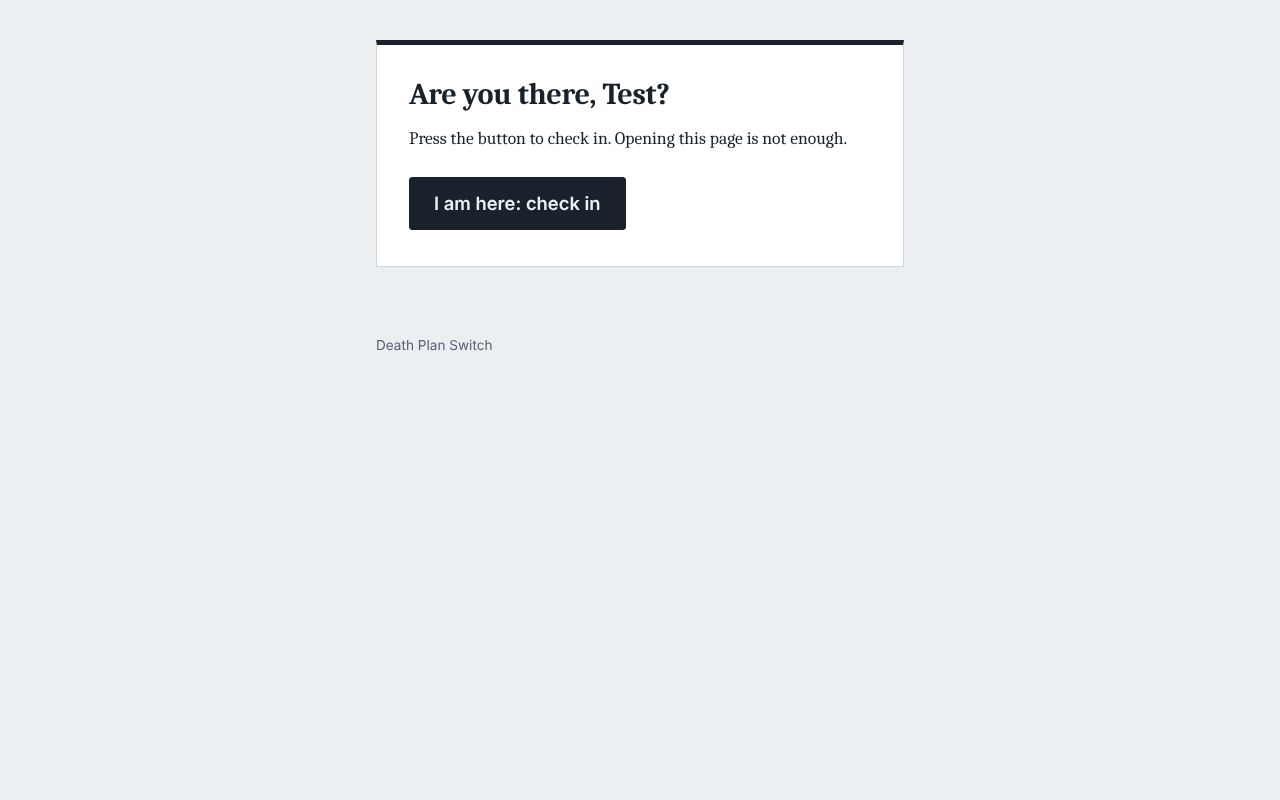
Death Plan Switch is a dead man’s switchA device or program that carries out a preset action when a person does not respond in time. The name comes from the safety handle on train controls. that the user installs on their own server. It sends a check-in email on a set day and at a set hour each week. The user checks in for the week by opening the link and pressing a button on the page. If no answer comes, it reminds the user twice more. If there is still no answer, it asks the next of kin "Is everything all right?" If the next of kin says all is fine, nobody else hears anything. If they say something is wrong, or do not answer, each confirmed contact gets the message the user wrote for them.
The app stores no documents and no passwords. In the README, the maker advises users to say only where things are and who to call in their messages, and never to include login details. The app keeps its state in JSON files and uses no database. cronThe scheduler on Unix-like servers that runs commands at set times. The times and commands are written in a crontab. runs the app’s scheduler every 15 minutes. Email goes out only over SMTPThe protocol used to send email between mail servers, and from a program to a mail server..
What is different
The first difference is how it confirms the user is all right. Google infers inactivity from signals such as sign-ins and activity. Death Plan Switch counts a check-in only when the user presses a button each week. Email security scanners may open links in advance, so opening a link does not count as a check-in. The user has to press the button every week. The README also notes that anyone who can read the mailbox can check in on the user’s behalf.
The second difference is the order in which people are told. Google notifies the chosen people once the period has passed. Death Plan Switch reminds the user twice and then asks the next of kin. It waits 72 hours before it tells the other contacts. The weekly email goes out at the same hour each week, and the messages go out 6 days after it. So contacts learn of it at most 13 days after the last check-in. This order avoids needless worry, but it can be a problem in an emergency.
The third difference is who runs it. Google runs its own feature. With Death Plan Switch the user runs the server, cron and the mail service. If any of them stops, nobody is told. So in the README, the maker advises hosting it apart from the client sites. The app offers a health check URL for an outside monitoring service.
What it makes easier
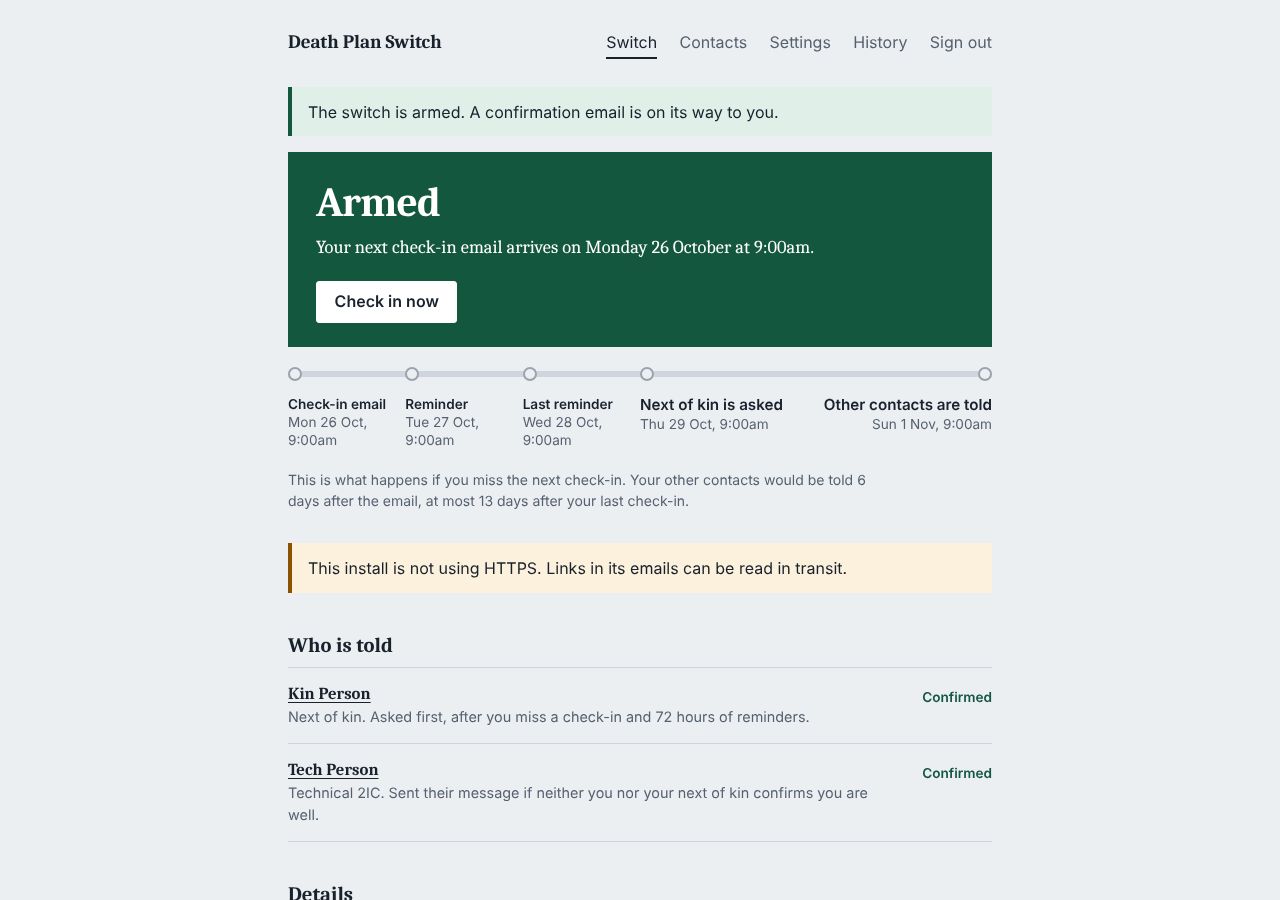
- Solo web developers who manage clients’ sites and domains. Once they decide who gets which message if they go quiet, they only have to press one button each week. Today I installed and armed it in a browser.
- Users who do not want to alert anyone but their next of kin too early. When a check-in is late, the app asks the next of kin before it tells the other contacts. If the next of kin says all is fine, the others get nothing. I did not test the path where the next of kin presses "All fine".
How it was built
- The maker wrote on HN that he built the app with help from Claude Code, after writing a long Markdown brief. In a reply on the thread he said the brief took two days.
docs/BUILD-NOTES.mdwas written on October 7, 2026, and follows version 3 of the brief. It lists 16 decisions the brief did not cover, each with a reason.- There are 9 commits (2026-10-09 to 2026-10-21, Korean time), all by Peter Bishop. He uploaded the files in the first two commits through the GitHub web page.
- The app is 6,378 lines of PHP. PHPMailer 7.1.1 ships inside the repository, so there are no dependencies to install.
Running it
I cloned the repository and tested it on the PHP 8.3 built-in server.
- Tests.
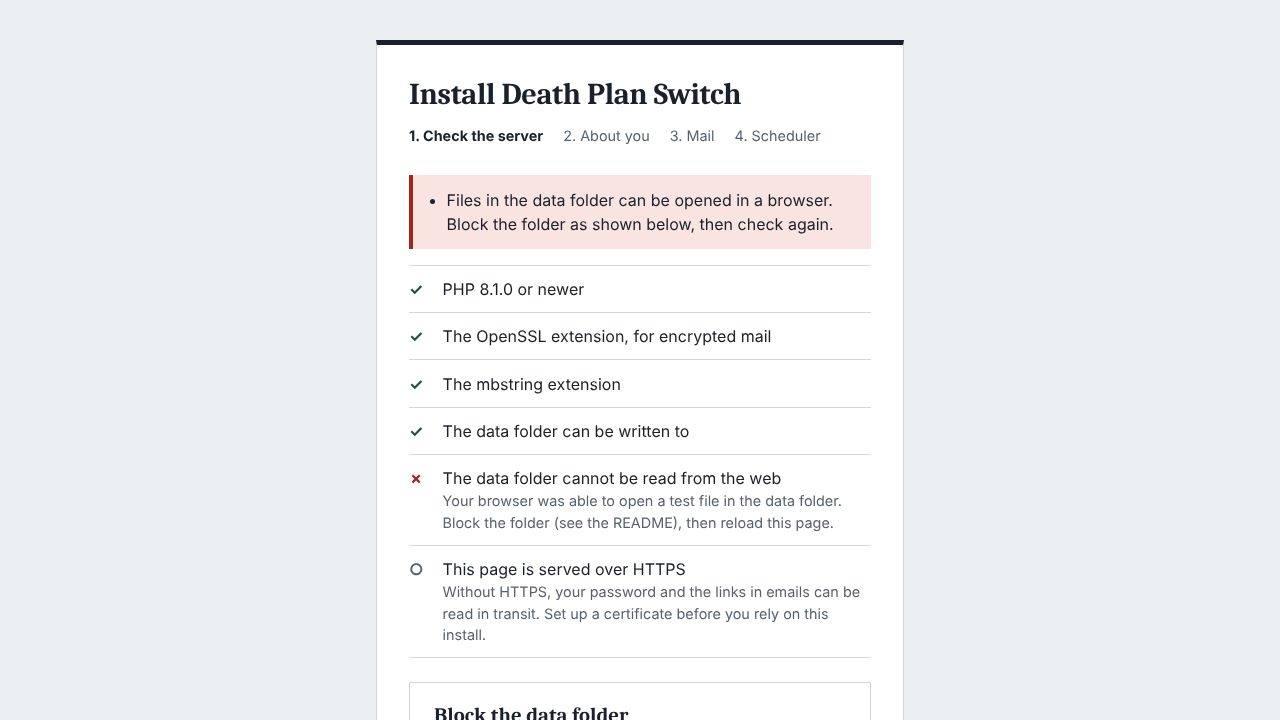
php tests/run.phpran 45 tests (228 assertions) in 11.1 seconds, and all of them passed. - Install. The install stopped at the first check, "The data folder cannot be read from the web". The built-in server does not read
.htaccess, so the browser could open the test file in the data folder. As the README describes, I createdconfig.local.phpand pointed the data folder to a path outside the web root. The install then continued. - Mail and contacts. I connected a local SMTP server that saves each email to a file. I finished the install with the code from the test email. I added a next of kin and a technical contact. I pressed the button in each contact’s confirmation email and armed the switch.
- Rehearsal. I advanced the clock with
tests/timeshift.phpin the order the README gives. After the check-in email, the user got reminders at 24 and 48 hours. The next of kin was asked at 72 hours and reminded at 120 hours. The next of kin and the technical contact got their messages at 144 hours. - Link and button. After the switch fired, I sent three GET requests to the check-in link. The state stayed FIRED and no email went out. When I pressed the button, the check-in went through. The next of kin and the technical contact got an email saying it was a false alarm.
- A long-stopped scheduler. I restored the data folder to its state right after arming. Then I advanced the clock 400 hours at once and ran the scheduler. Only the weekly email went out. The later steps ran at the same intervals after that email as in step 4.
- Token. The 43-character token in the check-in link was not stored as plain text anywhere in the data folder. The README says links are stored only as hashes, so someone who reads the data folder cannot use them.
The step timings and the link behaviour in the README all held up when I ran it.
$ php tests/timeshift.php 24 --run
Moved on by 24 hours.
- Asked the next of kin.
$ php tests/timeshift.php 48 --run
Moved on by 48 hours.
- Reminded the next of kin.
$ php tests/timeshift.php 24 --run
Moved on by 24 hours.
- The switch fired.
- Sent Kin Person their message.
- Sent Tech Person their message.
Not checked
- The next of kin’s "All fine" and "Something's wrong" buttons. Test both paths during a rehearsal, from the link in the next of kin’s email.
- Blocking web access with Apache
.htaccess, and checking that cron runs as the same user as the web server. Install it on shared hosting to test them.
Verdict
It works. Each email was sent at the hour the README gives. But the user has to run the server, cron and the mail service. If any of them stops, nobody is told. It is worth trying if you manage clients’ servers alone and can run PHP hosting apart from their sites. If people must know within a day, or you do not run a server, this product is not the right choice.
What to take away
- When an action needs a person’s confirmation, treat opening a link and pressing a button as different things. Today three GET requests to the check-in link did not change the state.
- Do not run all overdue work at once after an outage. After a 400-hour jump, the emails still went out one step at a time.
- Build a test tool that advances the clock for any feature that depends on time. I checked 6 days of steps in a short time.
Getting started
git clone https://github.com/Romeo19361/deathplanswitchcd deathplanswitch && php -S 127.0.0.1:8080
- You need
- PHP 8.1 or newer (openssl and mbstring extensions), a web server and HTTPS · An SMTP account and a cron entry that runs cron.php every 15 minutes · A next-of-kin contact and a technical contact. Each must press the button in their confirmation email before the switch can be armed
- Cost
- Free under the MIT license. Hosting and email sending cost extra.
The PHP built-in server exposes the data folder to the web. The install continues only after config.local.php points DPS_DATA to a path outside the web root.
Steps select 1 ran.
Progress
- Day 3Site up
- Day 7Upcoming
- Day 15Upcoming
- Day 30Upcoming
- Day 90Upcoming
- Day 180Upcoming
- Day 365Upcoming
Latest check Day 3, Fri 2026.10.23
- Site
- 200
- HN points
- 89 → 107
This pick has no repository, so what changed is unknown. Only the site response and HN activity are checked.