Thu 2026.10.22
Sumi.css: styling HTML without classes
Today's pick: Sumi.css
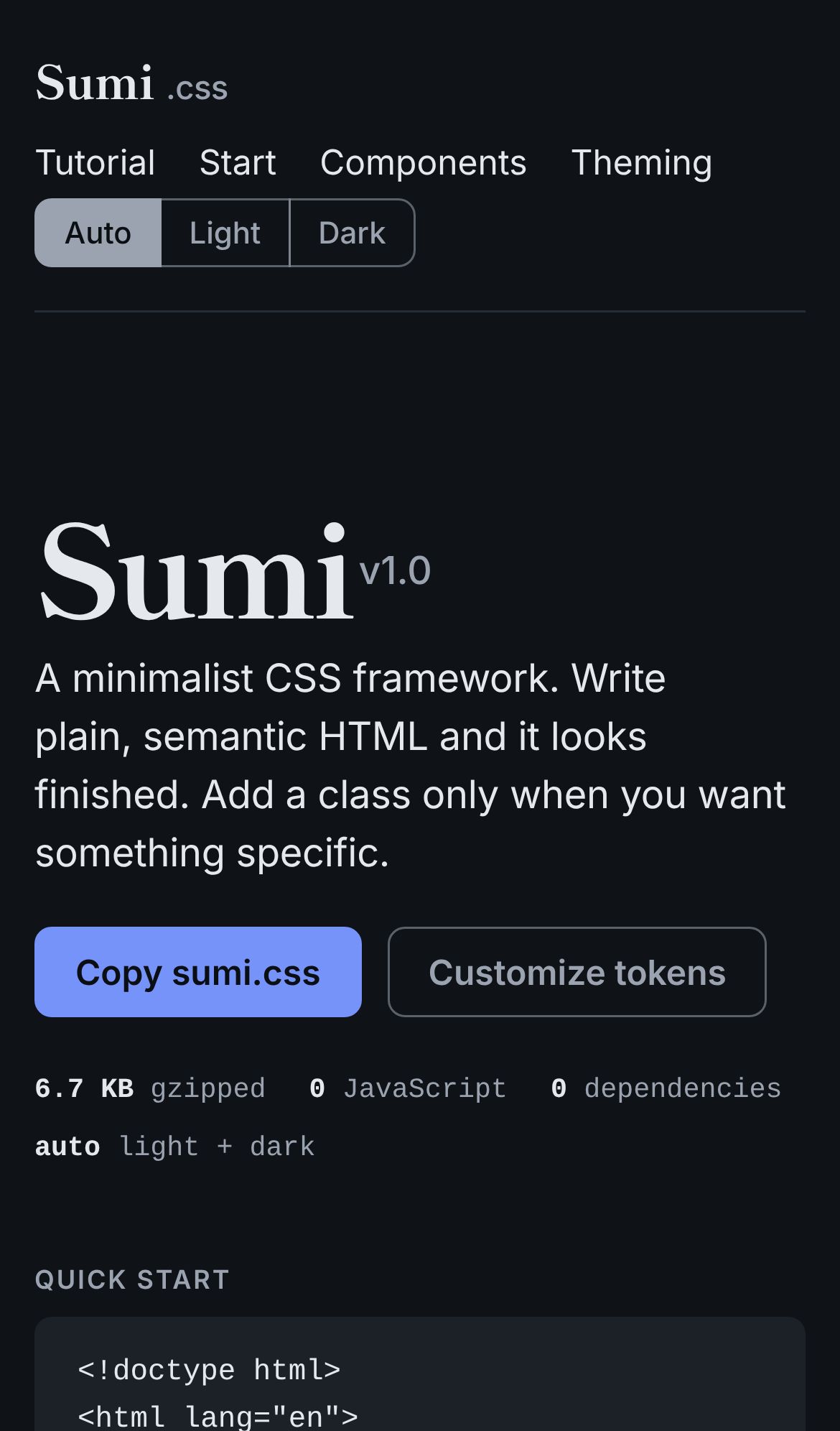
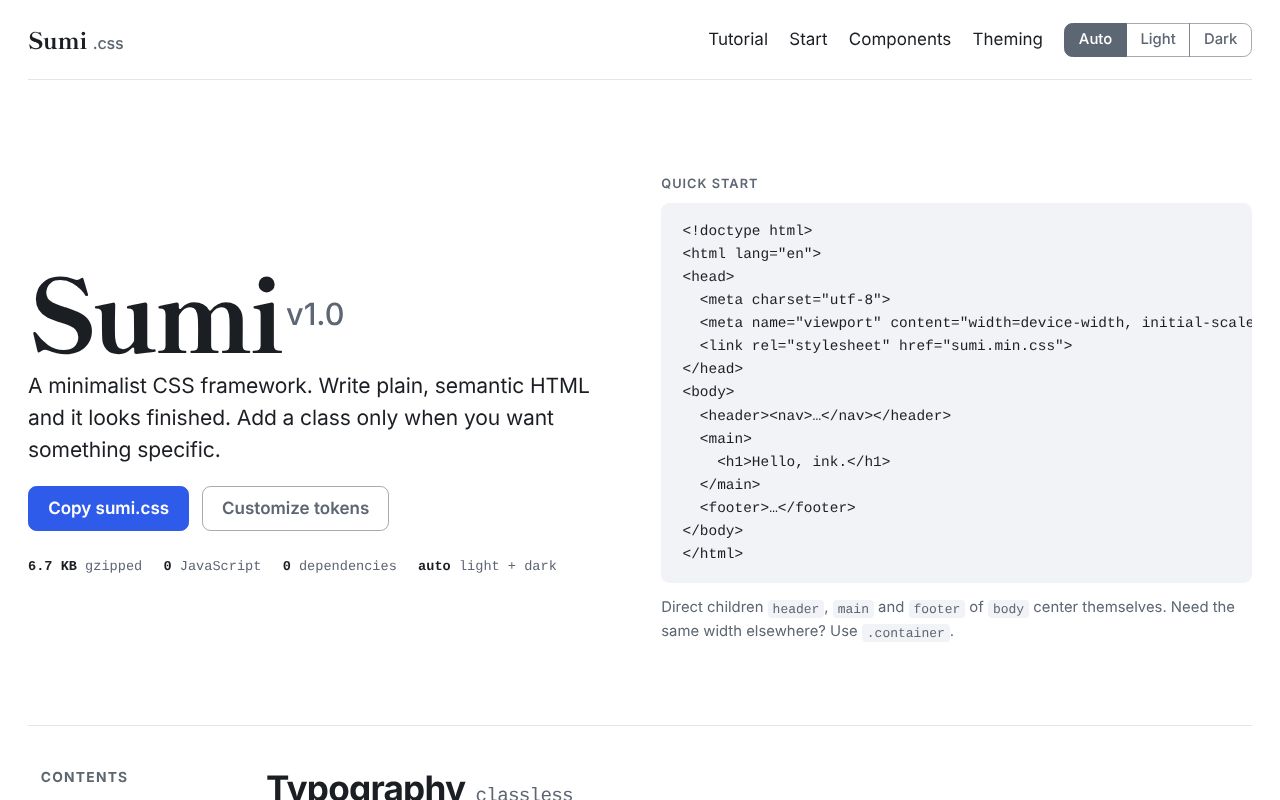
Sumi.css is a CSS framework that styles HTML elements without classes.
It is today’s pick because it gives element styles zero specificity, so the user’s own CSS can override them easily.
- Found on
- Show HN
- Built with
- CSS
The problem
Even a simple HTML page, such as an admin screen or a docs page, needs decent default styles. Bootstrap’s official docs say that Bootstrap only resets browser defaults with element selectors. Any further styling comes only from classes. A button needs .btn and a color class to look like Bootstrap, and a table needs .table. So every element that needs Bootstrap’s styles carries framework classes, and moving to another CSS framework means changing all of them.
How it solves it
Sumi.css is a classless CSSA CSS framework that styles HTML by element name alone, without classes on the elements. framework by Vladimir Carrer. It appeared as a Show HNA post on Hacker News, a developer community, in which someone presents what they made. Its title starts with "Show HN:". on Hacker News on October 21, 2026. Sumi styles headings, forms, tables, buttons and navigation without classes when the page links sumi.min.css. Classes such as .grid and .lead are only for things an element alone cannot express, like a grid layout or an intro paragraph in larger type.
Sumi wraps its element styles in :where()A CSS selector that matches the same elements as the selectors inside it. Its specificity is zero., so they have zero specificityThe score that decides which CSS rule applies when several rules match the same element. It is computed from the number of ID selectors, class and attribute selectors, and element selectors.. The README says a rule written with just an element name can override Sumi’s values. Every color, font, size and radius is set with a CSS variable. Dark mode follows the system setting, and the data-theme attribute can force light or dark mode.
What is different
The first difference is what gets styled. Bootstrap styles by class, so a <button> needs .btn to get Bootstrap’s button styles. Sumi styles the element itself, so the markup carries no framework classes. But styling the same element in several ways still needs classes. Sumi also provides classes for grids.
The second difference is how overrides work. Bootstrap’s .btn rules have higher specificity than a rule with just an element name such as button. Sumi’s element styles have zero specificity, so an element name is enough to override them. But today I could not override three values with element names. They were the color of navigation links, and the left margin and top-left corner radius of a button in a button group. The Sumi rules behind those values had a :not() or an attribute selector outside :where(), or an important declaration.
The third difference is size and scope. With gzip -9, sumi.min.css was less than a quarter the size of Bootstrap 5.3.3’s bootstrap.min.css. Bootstrap also ships utility classes and JavaScript components. Sumi uses no JavaScript. It relies on HTML elements such as <details> and <dialog> for collapsible sections and modals.
What it makes easier
- Developers who build admin screens or docs pages without a designer. They write HTML and link one CSS file. The forms and tables look tidy. Today a page with no classes at all got styled forms and tables.
- Teams that let non-technical colleagues edit HTML. The styles still apply when they write plain HTML elements without class names. A comment on the HN thread describes this use. I did not test this today.
How it was built
- The maker, Vladimir Carrer, pushed all 10 commits. The first is dated 2026-10-20 and the last 2026-10-21, in the author’s time zone.
sumi.cssis 957 lines with a comment for each section.sumi.min.css, with whitespace and comments removed, is 28,245 bytes.- Because it uses
:where(),:has()andcolor-mix(), it works from Chrome and Edge 111, Firefox 121 and Safari 16.2.
Running it
I cloned the repository and tested it in Chromium (Playwright) in this order.
- Size.
sumi.min.csscame to 6,874 bytes (6.7 KiB) with gzip -9. Bootstrap 5.3.3’sbootstrap.min.csscame to 30,777 bytes the same way. - A page without classes. Following the README quick start, I wrote HTML with no classes and linked only
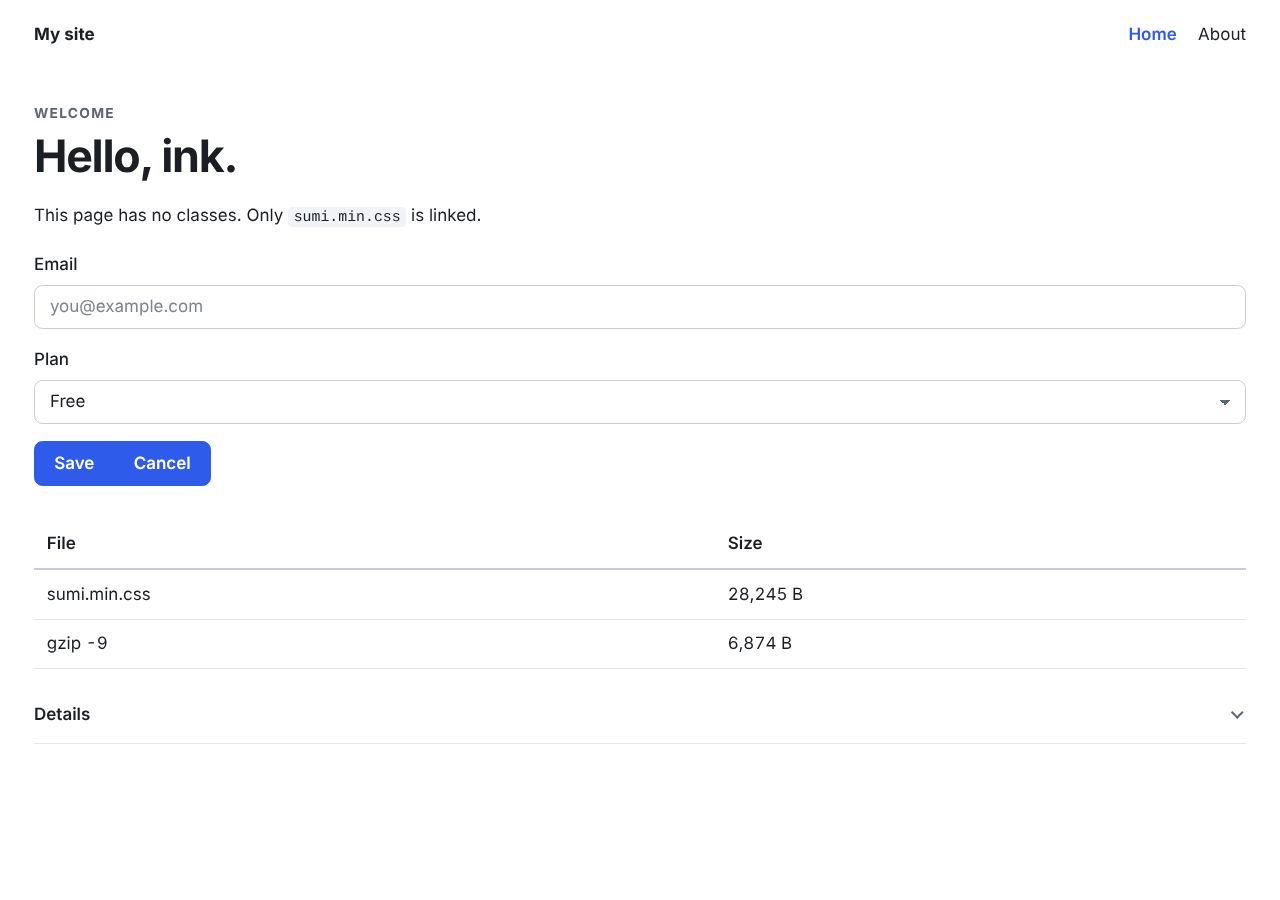
sumi.min.css. Sumi styled the navigation, the forms, a button group, a table and a collapsible section. - Overrides. I picked 22 elements and wrote my own CSS with element-name selectors only. It changed six properties: color, background color, left margin, left padding, top-left corner radius and font size. I linked that CSS before Sumi and after it. In both cases, 129 of the 132 values (22 elements times 6 properties) applied.
- Values I could not override. The
nav arule did not change the color of the current-page link. It kept the color from:where(nav) [aria-current]:not([aria-current="false"]). When I tried a plain navigation link, its color did not change either. The:not()in:where(nav) :where(a):not([role="button"])sits outside:where(), so that rule does not have zero specificity. Thebuttonrule did not change the left margin or top-left corner radius of a button inside the button group either. They kept the values from[role="group"] > *. That rule has an important declaration on its margin. The README says element styles have zero specificity, so your own CSS always wins without an important declaration. - Dark mode. When I emulated dark mode in Playwright, the background changed from white to rgb(15, 18, 22). When
data-themeset the other mode, the page showed that mode regardless of the emulated setting. - Accessibility. When I tabbed through the page, links showed a 2px solid focus ring. With reduced motion on, the button’s transition duration dropped to 0.01ms, so no motion was visible.
- Mobile. In iPhone 13 emulation, the docs page had no horizontal scrolling.
== user CSS before sumi: 3 of 132 values lost
  #navcur(nav a) color=rgb(47, 91, 234)
  #gbtn2(button) margin-left=-1px
  #gbtn2(button) border-top-left-radius=0px
== user CSS after sumi: 3 of 132 values lost
Not checked
- How it looks in Safari and Firefox. Open the same page in the versions the README supports.
- Screen readers. Check that VoiceOver or NVDA reads out the ARIAA standard set of HTML attributes that tells assistive technology such as screen readers the role and state of an element. Examples are aria-current and aria-invalid. states
aria-invalidandaria-current.
Verdict
It works. A page written without classes came out styled. But unlike Bootstrap, it offers no utility classes and no JavaScript components. It is worth trying if you build admin screens or docs pages without a designer and want markup free of classes. If your team styles pages with utility classes, Sumi is not the right choice.
What to take away
- If you write CSS meant to be easy to override, put attribute selectors inside
:where()as well. Sumi’s[aria-current]and[role="group"]selectors sat outside:where(). - When you state a size, state the uncompressed size and the compression level too.
sumi.min.csswas 28,245 bytes uncompressed and 6,874 bytes with gzip -9.
Getting started
curl -LO https://cdn.jsdelivr.net/gh/vladocar/Sumi.css/sumi.min.css<link rel="stylesheet" href="sumi.min.css">
- You need
- Chrome and Edge 111, Firefox 121 or Safari 16.2 or newer. The README says older browsers show plainer hover and focus colors · No build tool, no JavaScript and no dependencies
- Cost
- Free under the MIT license.
Link sumi.css, which includes comments, during development and sumi.min.css in production.
Steps select 1 ran.
Progress
- Day 3Active
- Day 7Upcoming
- Day 15Upcoming
- Day 30Upcoming
- Day 90Upcoming
- Day 180Upcoming
- Day 365Upcoming
Latest check Day 3, Sat 2026.10.24
- Commits since launch
- 2 → 3
- Stars
- 102 → 169
- Last commit
- 2026.10.23
- HN points
- 67 → 99
- The modal dialog now has a margin.