Mon 2026.10.13
ESP32 iPhone Agent: handing an iPhone to an agent without a Mac
Today's pick: ESP32 iPhone Agent
ESP32 iPhone Agent is an open-source product that plugs a $7 ESP32-S3 board into an iPhone to act as its mouse and keyboard, reads the screen over AirPlay mirroring, and lets a vision model operate the phone directly.
It is today's pick because it lets an agent operate an iPhone through the same paths a person uses, with no Mac and no developer account.
- Found on
- GitHub
- Built with
- Python, FastAPI, Arduino, UxPlay, Claude Opus 5.5
What is different
According to the README, most iPhone automation goes through XCTest or WebDriverAgent. That needs a Mac, Xcode, a signed helper app and an Apple developer account, and a free account's signature expires every 7 days. Because it depends on the accessibility tree, it sometimes fails in apps such as games. The README's comparison table lists eight other projects that use an ESP32 Bluetooth mouse or an HDMI capture board, and most of them require a Mac, separate capture hardware, or an app installed on the phone.
ESP32 iPhone Agent uses only the paths a person uses. It reads the screen over AirPlay mirroring: the iPhone sends its screen to UxPlay on the computer, and GStreamer turns that into JPEG frames. It sends input over USB HID, the mouse-and-keyboard standard an operating system accepts without a driver. A $7 ESP32-S3 board plugged into the iPhone's USB port is recognised as a mouse and keyboard, and with iOS AssistiveTouch on, a round pointer appears on screen. A click is a tap and a drag is a swipe. The board holds no logic. It connects to the server over Wi-Fi and executes one-line commands such as move, click and type. The model can be any OpenAI-compatible vision model. A planner writes a short plan from the goal and the screen, and an actor picks the next action from each new screenshot. Nothing is installed on the phone.
The pointer is relative, so the server cannot know where it is. Before a tap it nudges the pointer by 12 units, finds it on the mirrored screen and corrects itself, and after each action it checks by pixel difference whether the screen changed and tells the model about a missed tap. Three repeats of the same action trigger a re-plan. The price is speed and the screens it cannot see. The speed in the README is about 1.3 s per action on two DGX Sparks, and the lock screen, Apple Pay and DRM video are not mirrored, so the agent cannot see them. Keyboard input is ASCII only. What this idea buys is this: using only a person's paths, the screen and a pointer, you can hand an iPhone to an agent with no Mac and no developer account.
How it was built
Twenty commits are packed into 2026-10-12, with the last one the night before this entry. Sixteen of them carry Claude Opus 5.5 in a Co-authored-by trailer. The first item in the README's Quick start is a prompt to paste into a coding agent, not instructions for a person: flash the board, install UxPlay and the server, write .env. The Python server is about 1,100 lines and the firmware is a 155-line Arduino sketch. There are 28 tests.
Running it
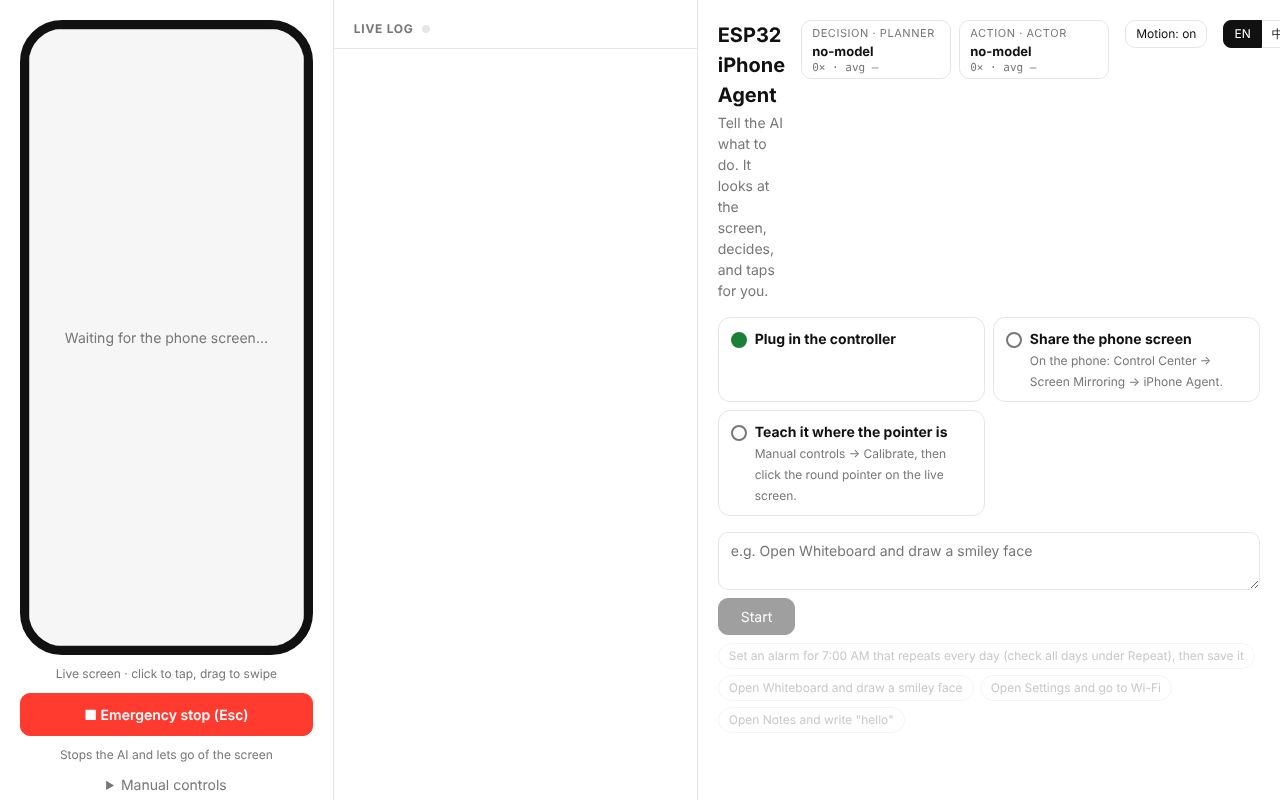
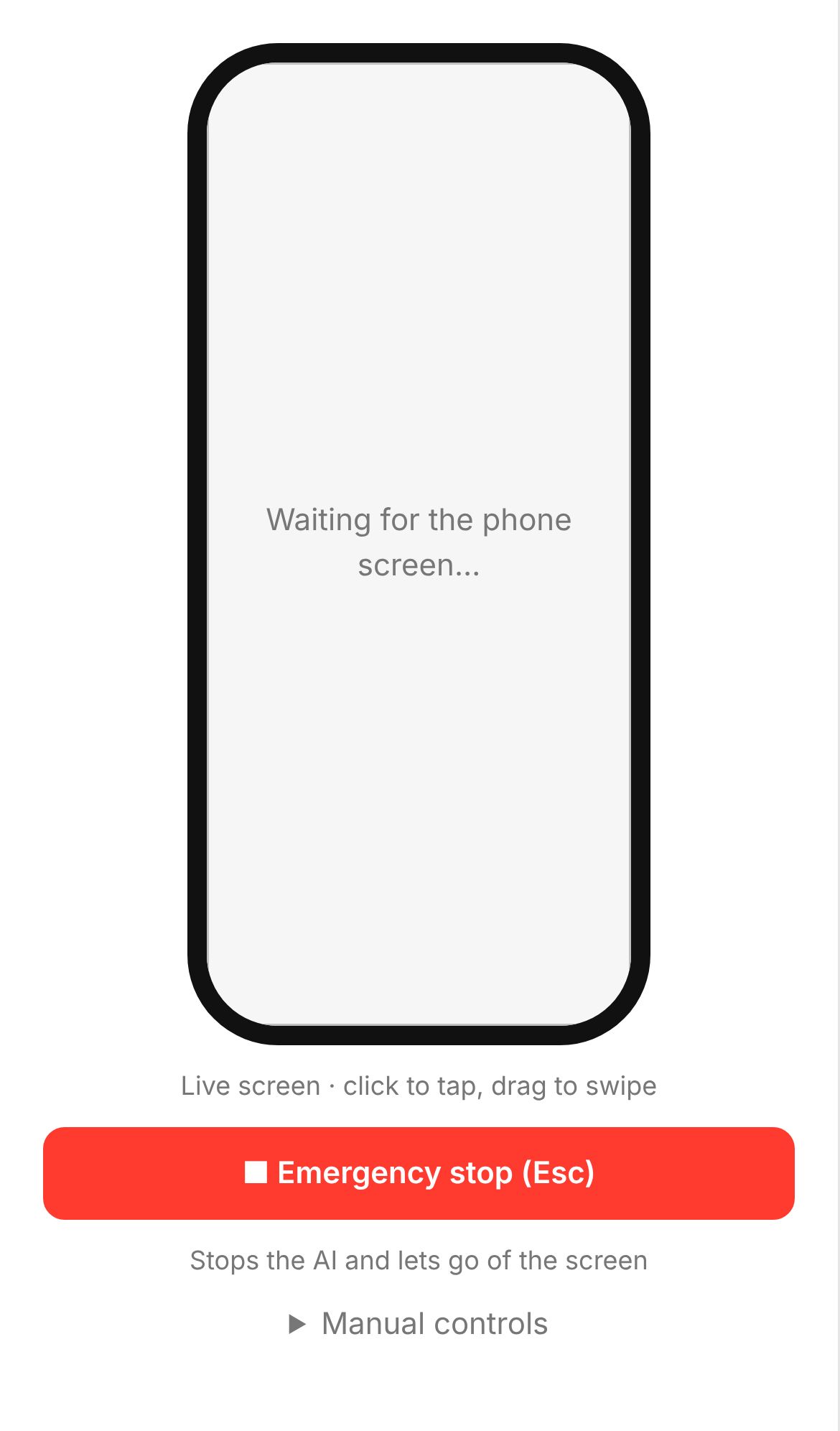
What I checked today is the server only. With no board and no iPhone, I did not see the agent tap anything. Installation took 18 seconds with python3 -m venv and pip install -e ".[dev]", and since the dependencies are four, FastAPI, uvicorn, httpx and Pillow, the virtual environment is 91 MB. The 28 tests passed in 1.45 seconds. With a fake model address in .env, the server opened its web UI 583 ms after launch. Without UxPlay, the screen-capture thread ended with FileNotFoundError, but the server kept working. To check the board protocol, I wrote a TCP client that connects to port 7300 and answers nothing but ok. The server accepted it as the board, the status changed to device true, and the first step in the web UI, Plug in the controller, turned green. Sending ping and move 10 -5 through the debug-only /api/raw delivered both lines to the client unchanged. The claim that the board holds no logic is right. A tap requested without calibration is refused with 409 pointer not calibrated, and starting the agent without a screen with 409 no phone screen. The README's three claims all held. One more thing I confirmed in the code is how screenshots are compared: it masks where the pointer was and the status bar, counts the remaining pixels, and treats a change as small as one checkmark as a change once six or more points differ.
status 200 after 583 ms
hidagent.device board connected from ('127.0.0.1', 50552) hello power-on 1234
hidagent.device move 10 -5 -> ok (0 ms)
"POST /api/tap HTTP/1.1" 409 Conflict
Not checked
Flashing the board, mirroring an iPhone, and running the loop in which the agent plans and taps was not possible in this environment. The README's 1.3 s per action was not measured either. The next place to look is the calibration in phone.py: whether finding the pointer by nudging it works on both light and dark backgrounds, and how far it drifts after the AssistiveTouch pointer speed is changed.
Verdict
The server runs. Four commands install and test it, but without the board and a phone the agent can neither see a screen nor tap one. It fits when you want to hand an iPhone to an agent with one Linux machine and a $7 board instead of a Mac, and can wait more than a second per action. For work that passes through screens that are not mirrored, such as the lock screen or a payment, this product is not the right choice. Those screens are invisible to the agent.
Getting started
git clone https://github.com/onehumanbeing/esp32-iphone-agentcd esp32-iphone-agent/server && python3 -m venv .venv && .venv/bin/pip install -e .cp .env.example .env && set -a && . ./.env && set +a && .venv/bin/python -m hidagent
- You need
- Python 3.10 or later · A XIAO ESP32S3 board (about $7), arduino-cli and the ESP32 core 3.x · UxPlay (an AirPlay receiver) and GStreamer · An OpenAI-compatible vision model API, hosted or self-run · AssistiveTouch enabled on the iPhone and a 2.4 GHz Wi-Fi network
- Cost
- MIT licensed and free. The costs are the board, about $7, and the vision model API. The local setup the README was developed with is two NVIDIA DGX Sparks.
Flash the board with hardware/flash.sh; the server opens its web UI at http://<computer-ip>:8890. Today only the server ran, with no board and no phone.
Steps select 1 ran.
Follow-ups
Checked again after 7, 30 and 90 days: still alive, what changed, how people reacted.